

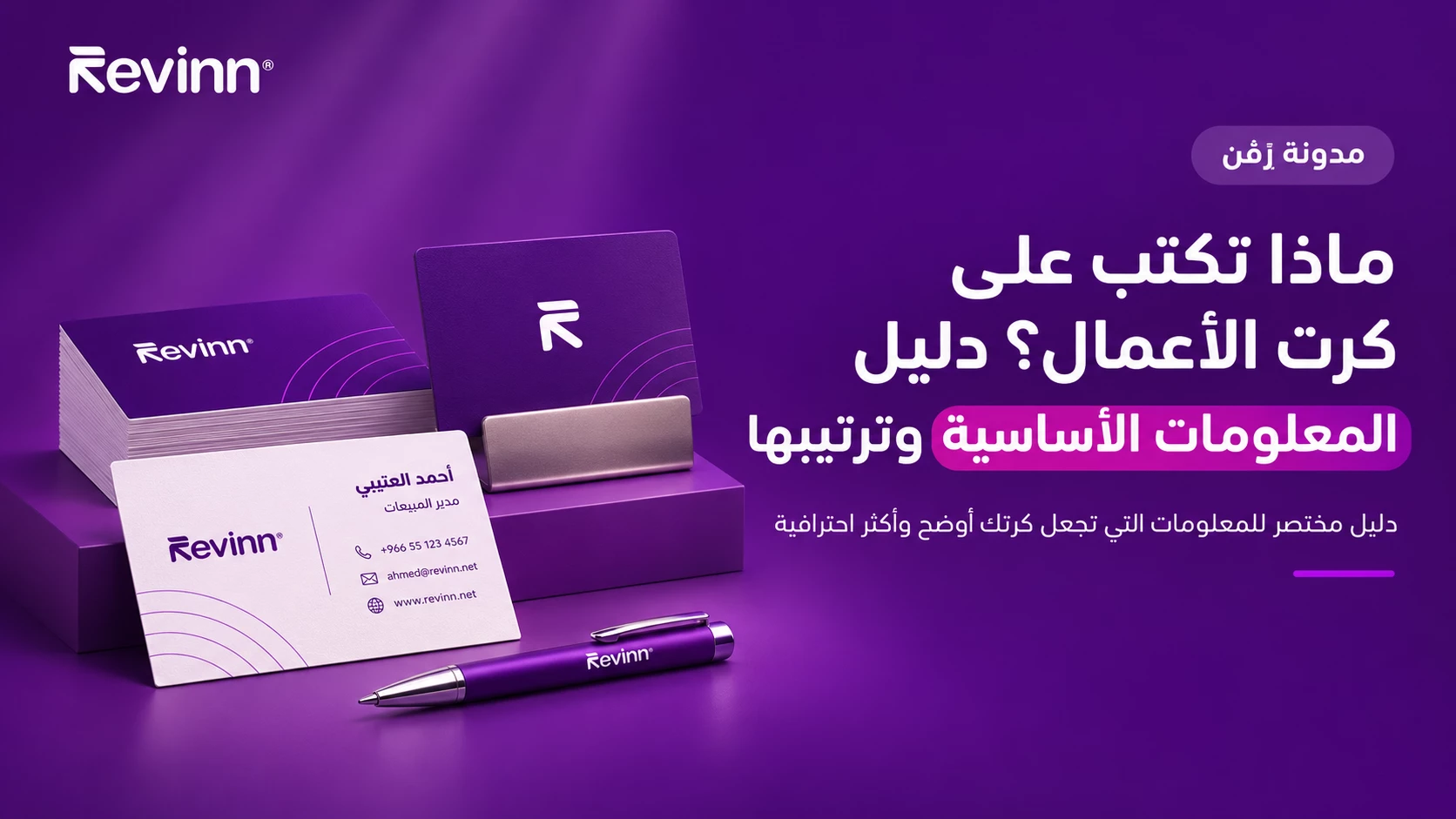
What to put on a business card sounds like a simple question, but the answer decides whether a client calls you or drops the card in a drawer and forgets it. A card is a very small space, so every word on it has to earn its place. This guide sets out the essentials, what to cut, and how to split them across one or two sides.
The essential details you cannot skip
Whatever your business, there are details a client expects to find the moment they look at your card:
- Full name: in the form you want clients to use, set larger than the rest of the text.
- Job title: it tells the client why they should contact you in particular.
- Company name and logo: the logo is usually the first thing the eye picks up.
- Phone number: one number you actually answer is enough, and you can note that it works on messaging apps.
- Email: ideally on your company domain, which looks more professional.
- Website: or a link to your online shop or company profile.
Optional details, depending on your business
- Address: important for shops, clinics and offices that clients visit, less so for businesses that work online.
- Social accounts: pick one or two active accounts instead of a long row of icons.
- Short tagline: one line that sums up what you offer, such as your main service in a few words.
- QR code: takes the client to your website or a digital contact card without typing anything.
What to put on a business card with two sides
Printing on both sides gives you extra room without crowding the details. The most common split is:
- Front: logo and company name, perhaps with a short tagline, in a simple design that reflects your identity.
- Back: name, job title, contact details and QR code.
If your clients use two languages, you can give one side to Arabic and the other to English in the same order, a common choice for companies. At Revinn you can choose one-sided or two-sided printing when you order.
How to arrange the details on the card
A good layout leads the eye from the most important item to the least:
- Name first and largest, with the job title underneath in a smaller size.
- Group the contact details in one block with one alignment, and use small, consistent icons instead of words like “Phone” and “Email”.
- Leave empty space around the logo and text; white space makes the card easier to read and more elegant.
- Stick to two typefaces at most: one for the name and headings, and one for the details.
Font, spacing and card size
Text that is too small is the most common mistake we see in print files. As a general rule, keep secondary text at about 7 to 8 points or larger, and make sure there is clear contrast between text color and background. Keep a safety margin of a few millimeters inside the trim edge so text does not end up too close to the edge after cutting.
Choose the size before you start designing, because it decides how much information fits comfortably. Revinn offers 9x5 cm, 9.5x5.5 cm and 8.5x5 cm, plus square 5x5 cm and 10x10 cm cards. The small square size suits very simple designs, so if you choose it, keep to the essentials or print on both sides.
What to leave off the card
- More than two phone numbers, which only confuses the client.
- Icons for every social account you own, especially inactive ones.
- Long paragraphs and full service lists; they belong on your website or company profile.
- Anything likely to change soon, such as a temporary address or a number you no longer use.
Quick table: what goes where
Tips before sending your design to print
- Check the spelling letter by letter, and ask someone else to read the card.
- Call the number on the card and send a message to the email to make sure both work.
- Test the QR code on more than one phone before printing.
- Choose the right stock; our guide on coated vs textured paper and Ice Gold can help.
- Approve the proof we send you before printing, after reviewing it calmly.
If you are building one identity for your whole team, it helps to match your business card design with your staff ID cards so the colors and fonts look the same.
The bottom line
A good business card answers three questions fast: who are you, what do you offer, and how can I reach you? Start with the essentials, cut anything that does not serve those questions, and use the second side when you need more room. The Revinn team can help with the design if you do not have a ready file.
Still have questions? Our team is happy to help before you order.